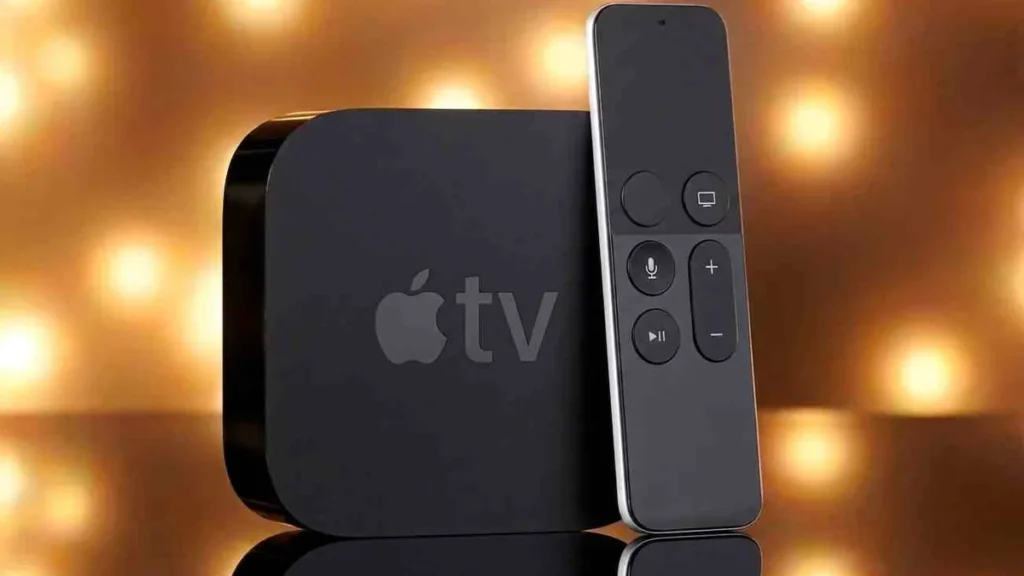
“The picture plays, but there’s no sound.” We hear that on Apple TV more than on other devices, and it almost always has the same cause. Setting up IPTV on Apple TV is actually the easiest case: the apps come straight from the App Store, with no sideloading like the Fire TV Stick. The quirks are elsewhere, in the codecs of tvOS. Let’s look at both.
This guide is general and uses official App Store apps only.
At a glance
– On Apple TV you install IPTV apps straight from the App Store, with no sideloading.
– Common apps: IPTV Smarters (free), iPlayTV (a one-time ~$5.99) and GSE Smart IPTV. You sign in with Xtream Codes or an M3U link.
– Supported devices: Apple TV HD (4th gen) and Apple TV 4K (1st–3rd gen) with tvOS 16 or newer.
– If there’s no sound or a channel won’t start, it’s usually the codec. On tvOS the fix is switching apps, not an external player.
Which IPTV app for Apple TV?
 Illustrative image
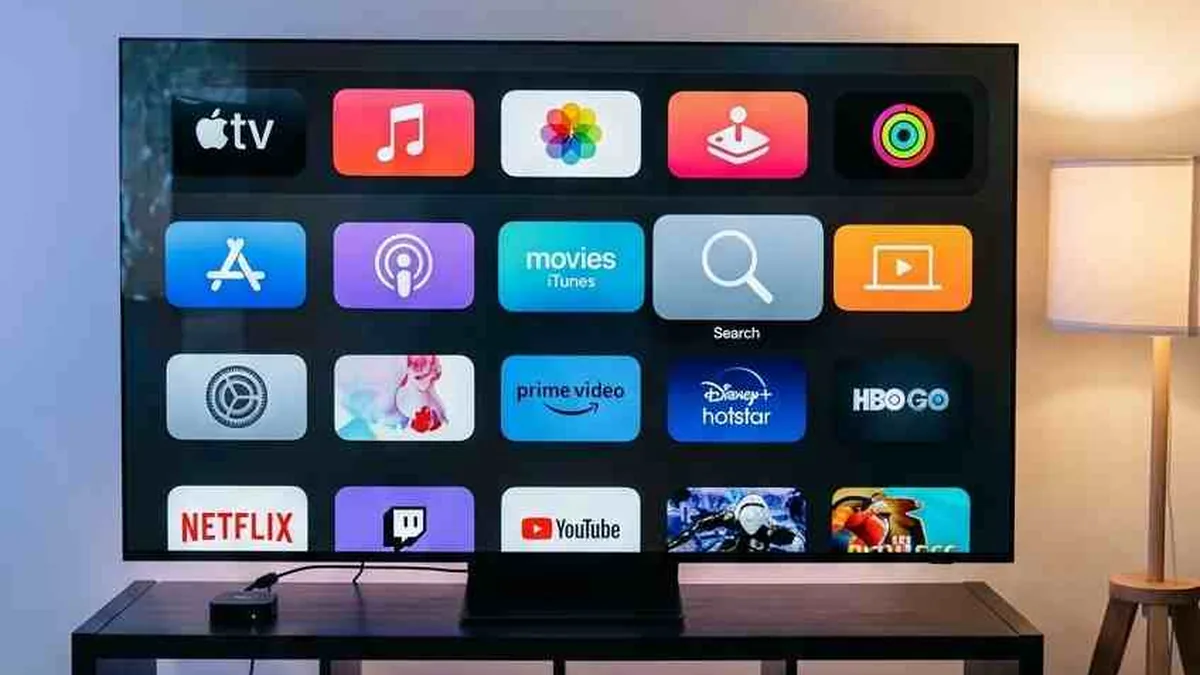
Unlike the Fire TV Stick, there’s no sideloading on Apple TV. You simply download your app from the App Store, which is convenient and safe. Three apps have proven themselves, and which one is right mostly comes down to the interface you like.
| App | Cost | Sign-in | Notes |
|---|---|---|---|
| IPTV Smarters | free | Xtream Codes or M3U | popular, fast navigation, good for HD and 4K |
| iPlayTV | one-time ~$5.99 | M3U or Xtream Codes | clean, Netflix-like interface |
| GSE Smart IPTV | free | M3U or Xtream Codes | many settings for advanced users |
The key difference isn’t the feature set but how an app handles codecs. That’s what later decides whether a channel plays cleanly. So it’s worth having two apps installed.
Set up IPTV on Apple TV: step by step
Setup takes a few minutes. Have your access details ready (an Xtream Codes login or an M3U link from your provider’s email), then proceed like this.
- Download the app. On the Apple TV, open the App Store, search for “IPTV Smarters” or “iPlayTV”, and download it.
- Sign in. Open the app and choose “Login with Xtream Codes API”. Enter the username, password and server URL. Or paste your M3U link.
- Check the channel list. The channels appear and you’re ready.
That’s all, no developer mode, no detours. If a channel stays silent or black afterward, the next section helps.
Fixing Apple TV problems
 Illustrative image
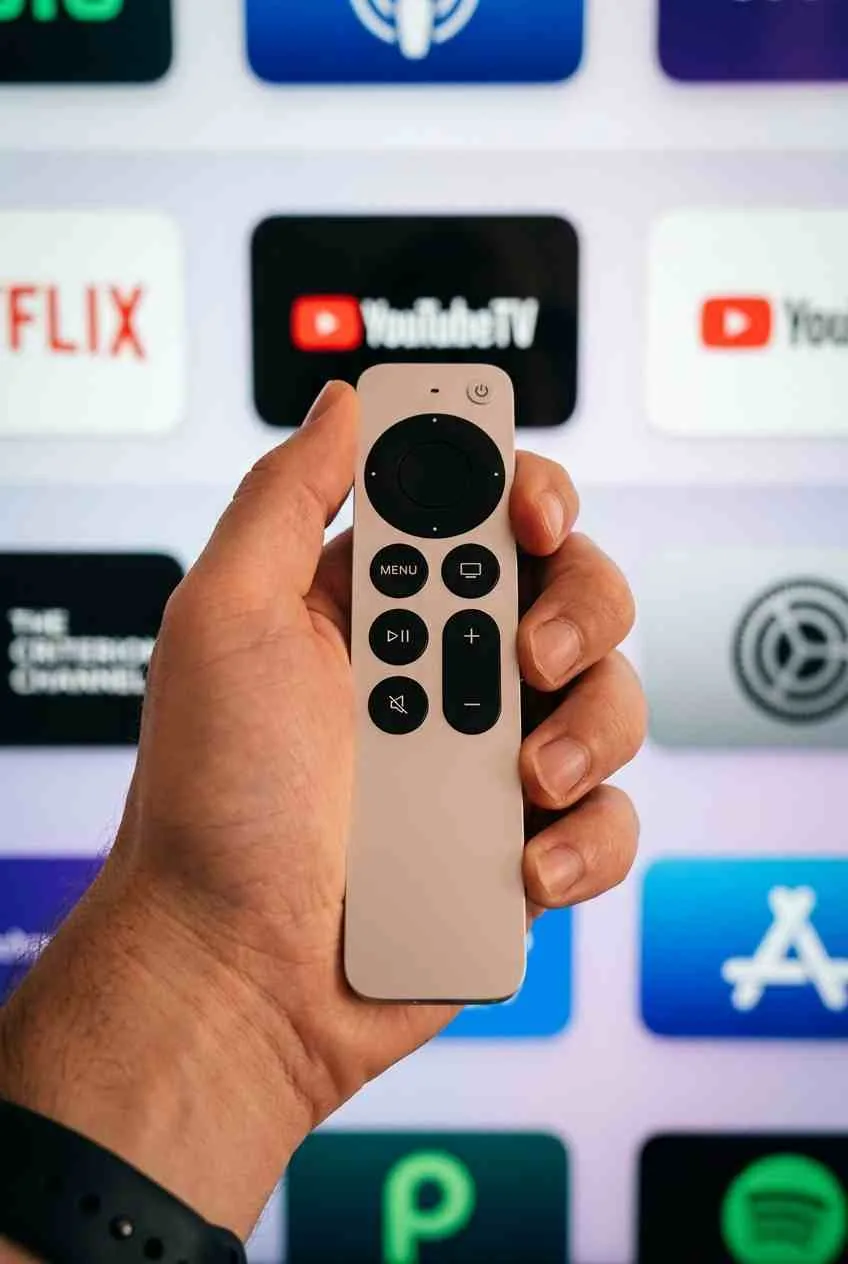
Now the most important part. On Apple TV the install is rarely the issue; playback is. Usually a codec or the home network is behind it, not the service. The silent channel is only the symptom; the trigger is the codec. The table below maps the most common cases.
| Symptom | Likely cause | Fix |
|---|---|---|
| Buffering and stutter, especially in the evening | congested 2.4 GHz Wi-Fi | Switch to 5 GHz or Ethernet (Apple TV 4K supports Ethernet); set DNS to 8.8.8.8 or 1.1.1.1 |
| Picture plays but no sound | audio codec not supported by tvOS | Try a different app (e.g. from IPTV Smarters to iPlayTV); tvOS is stricter about codecs than Android |
| Black screen or a channel won’t start | video codec or format | Try another app, or pick the channel in a different quality |
| App won’t load the list or login fails | wrong server URL, port or M3U address | Copy details exactly from the email, check http vs https and the port |
A concrete case: the silent channel from the intro came from an audio track that tvOS wouldn’t process in one app. In a second app the same channel played with sound. No defect, just a codec the app handles differently. Hence our advice: keep two apps ready.
Tips for stable playback
For IPTV to run cleanly on Apple TV long-term, it’s worth a look at the connection. For HD, roughly 5 to 10 Mbps; for 4K, 25 to 50 (o2, 4K streaming bandwidth 2026, o2online.de). Stability matters more than peak speed.
Three levers help most: on Apple TV 4K an Ethernet connection instead of Wi-Fi, a fast DNS (8.8.8.8 or 1.1.1.1), and, for picture or sound issues, switching apps. To check whether a provider delivers reliably, vet it first, as described in our guide on how to test IPTV. For other devices see installation, including the Fire TV Stick.
Frequently asked questions
Which IPTV app is best for Apple TV?
For most people IPTV Smarters is a good, free start. iPlayTV offers an especially clean interface for a small one-time fee, and GSE Smart IPTV is for advanced users. It’s handy to keep two apps, in case a channel won’t play in one.
Can I use M3U on Apple TV?
Yes. All the common apps support both an M3U link and Xtream Codes API login. Which route you pick depends on what your provider gives you. Both are quick to enter in the app.
Why does IPTV buffer on Apple TV?
Usually the network, not the app. On Apple TV 4K use an Ethernet cable or 5 GHz Wi-Fi and set DNS to 8.8.8.8 or 1.1.1.1. That fixes the buffering in most cases.
Does Apple TV support all formats?
No, tvOS is stricter about codecs than Android. A channel can be silent or fail to start in one app yet play in another. Switching apps is the most reliable fix here.
Do I need sideloading like the Fire TV Stick?
No. On Apple TV you download all apps directly from the App Store. No developer mode or third-party source is needed, which makes setup especially simple.
Bottom line: Setting up IPTV on Apple TV is the most convenient case: download the app from the App Store, sign in with Xtream Codes or M3U, done. The quirks are in playback, because tvOS is stricter about codecs. If there’s no sound or a channel won’t start, switch apps; for buffering, Ethernet and a fast DNS help. For more guides see installation, and for the right plan our IPTV in Germany overview.
About the author
Heike Schmidt writes for IPTVBase about streaming, devices and the everyday living-room chaos around watching TV. She translates tech into daily life and, from more than 1,500 cases handled, knows the stumbling blocks that really show up when setting up on Apple TV and the like. More about the author on LinkedIn.