What do you need for IPTV? Less than most people fear, and the box of cables in the basement can stay shut. In short: four things, namely a stable internet connection with enough bandwidth, a suitable device, an app or player, and credentials from a provider. That’s it. Verivox also lists a stable line and a suitable device as the requirement (Verivox, 2026).
In brief
– Four building blocks: stable internet connection, device, app/player, credentials.
– Rule of thumb: HD needs around 10 to 16 Mbps, 4K rather 25 Mbps of bandwidth.
– Stability beats top speed: 5GHz Wi-Fi or Ethernet matters more than raw Mbps.
– Around 80% of problems come from the home network, not the service.
How fast does the internet need to be?
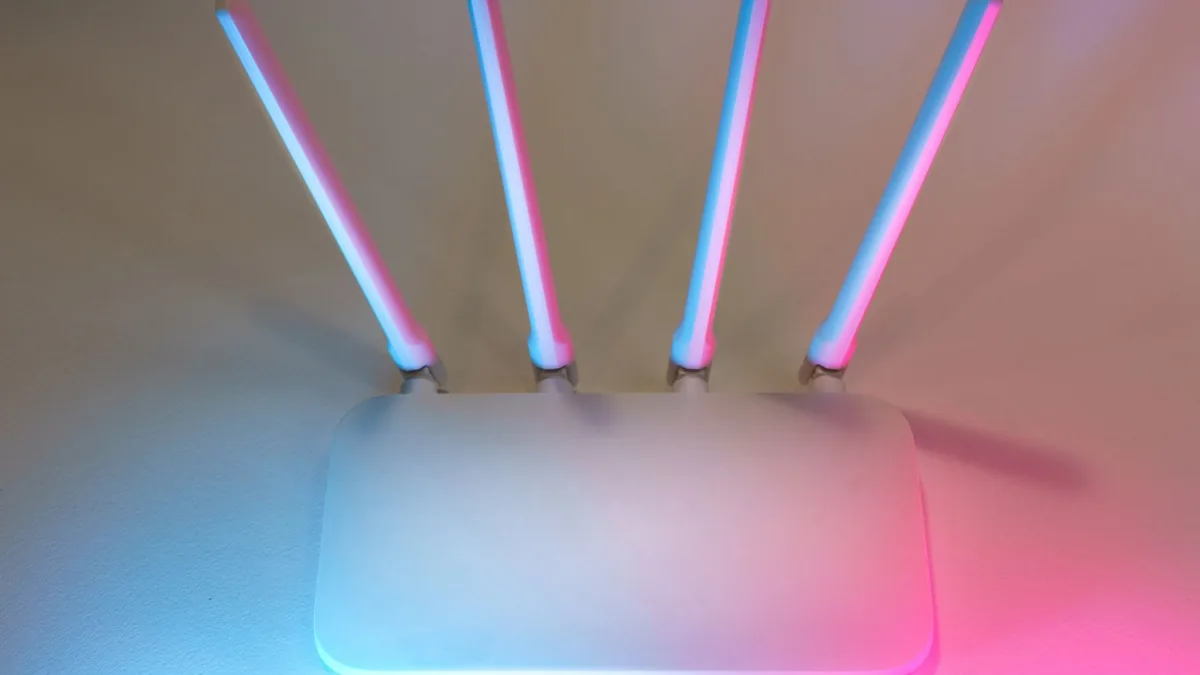
Technically, stability matters most, not the highest speed number. As a rule of thumb, the following bandwidths apply:
 Illustrative image
| Quality | Recommended bandwidth |
|---|---|
| SD | around 5 Mbps |
| HD | around 10 to 16 Mbps |
| 4K | around 25 Mbps or more |
More important than the raw number is consistency. A real example: a customer had bandwidth to spare but kept grumbling about buffering. The cause was a congested 2.4GHz Wi-Fi. Only switching to the 5GHz band produced a clean picture.
Which devices work?
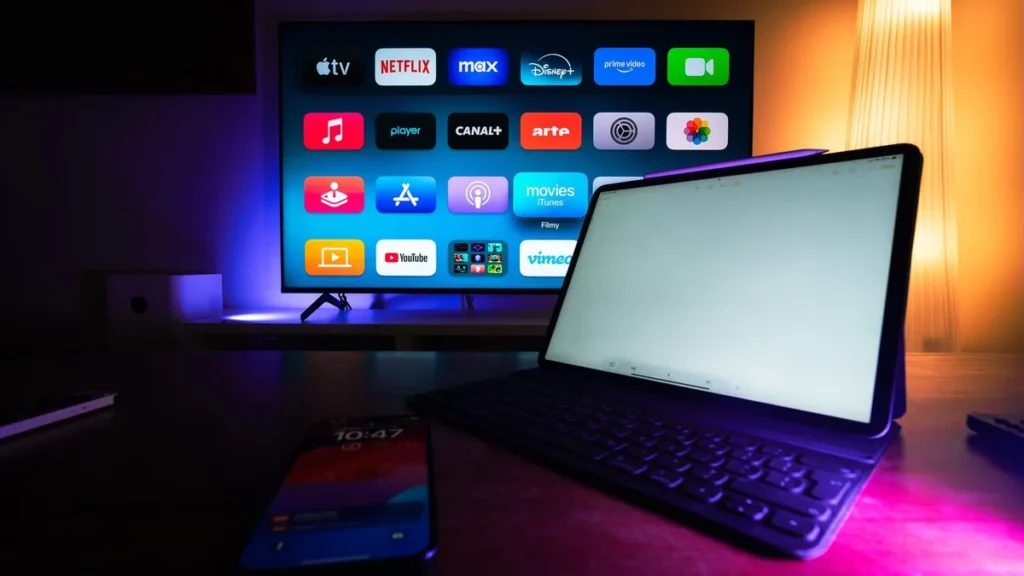
You can use almost any modern TV:
- Fire TV Stick for any TV with HDMI.
- Apple TV 4K for a smooth, premium experience.
- Samsung Smart TV and other Smart TVs (with caveats).
- MAG box for classic IPTV setups.
Pros and cons of the devices
- Pro: Fire TV Stick and Apple TV are robust and simple.
- Con: Smart TVs are more prone to player and firmware issues.
From what we see in support, Smart TVs are the trickiest devices. Verivox also lists a stable line and a suitable device as an IPTV requirement (Verivox, 2026).
Which app and credentials do you need?
On the device runs a player that renders the stream via the M3U list and shows the EPG. Keep the app updated, because many problems appear after firmware updates. You receive credentials from the provider after purchase; at IPTVBase activation usually takes 5 to 10 minutes. For what IPTV is, see what is IPTV; for how to evaluate a provider, see how to choose an IPTV provider.
Common setup mistakes
Most start-up problems come not from the service but from avoidable mistakes. Typical ones: the device sits on a congested 2.4GHz Wi-Fi instead of the 5GHz band, the app is outdated and clashes with new firmware, or the ISP’s default DNS slows the connection.
Mistyped credentials and a router placed too far away also belong on the list. Check these points before you switch provider. In most cases the stream runs stably right away after moving to 5GHz or Ethernet and setting the DNS to 8.8.8.8.
Frequently asked questions
How many Mbps do I need for IPTV?
As a guideline, HD needs around 10 to 16 Mbps of bandwidth and 4K rather 25 Mbps or more. More important than speed is a stable connection over 5GHz Wi-Fi or Ethernet.
Do I need a special TV?
No. A Fire TV Stick or Apple TV makes any TV with HDMI IPTV-ready. Smart TVs work too, but they’re often more prone to player and firmware issues.
Is Wi-Fi enough or do I need a cable?
Wi-Fi is usually enough if you use the 5GHz band and stay close to the router. For frequent buffering, an Ethernet cable is the most reliable solution.
How quickly can I start after buying?
At IPTVBase, activation usually takes 5 to 10 minutes. Then you set up the app and check that the service runs stably.
Conclusion
You need little for IPTV: a stable line with enough bandwidth, a suitable device, a player, and credentials. For how to evaluate a provider, see IPTV provider Germany.
Sources
– Verivox, IPTV: requirements and devices, retrieved 2026-06-12, https://www.verivox.de/internet/themen/iptv/
Tags: what you need for IPTV, IPTV requirements, IPTV devices, bandwidth, M3U, 5GHz Wi-Fi