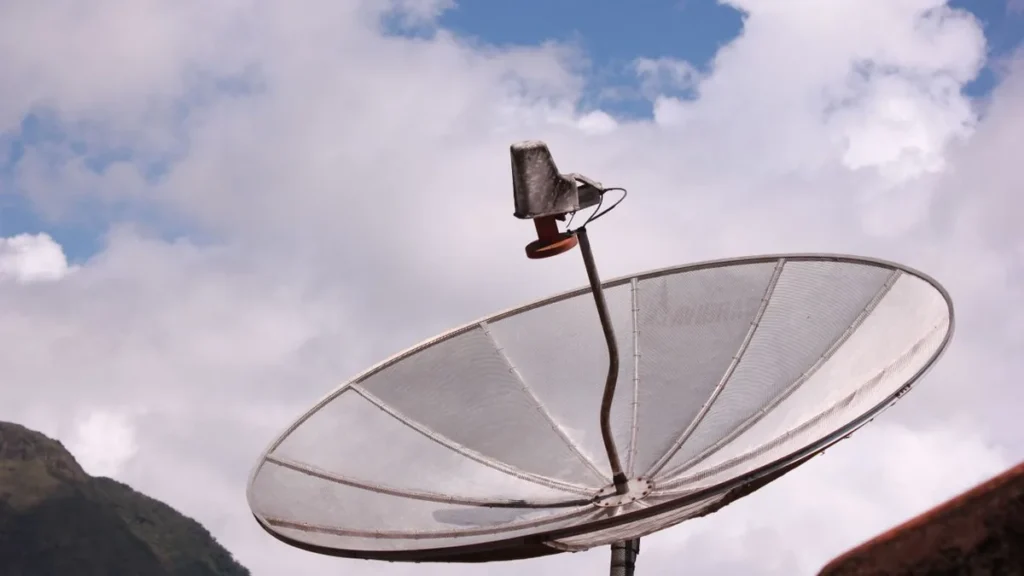
IPTV vs satellite compares two very different reception paths. Simply put: IPTV runs flexibly over the internet with no dish, while satellite (DVB-S2) delivers many channels via a fixed dish but needs hardware and a clear view south, with private channels in HD usually requiring HD+. Which path fits depends on your home and your internet.
The key points
– IPTV runs over the internet, satellite over DVB-S2 via Astra 19.2° East.
– Satellite needs a dish, LNB and receiver; public channels are free in HD, private HD usually via HD+.
– IPTV is device-independent and location-flexible; satellite is tied to the dish and a clear view.
– Around 80% of IPTV buffering issues come from the home network, not the service.
IPTV or satellite: the direct comparison
Quick orientation first. Both offer many channels but differ sharply on hardware, cost and flexibility.
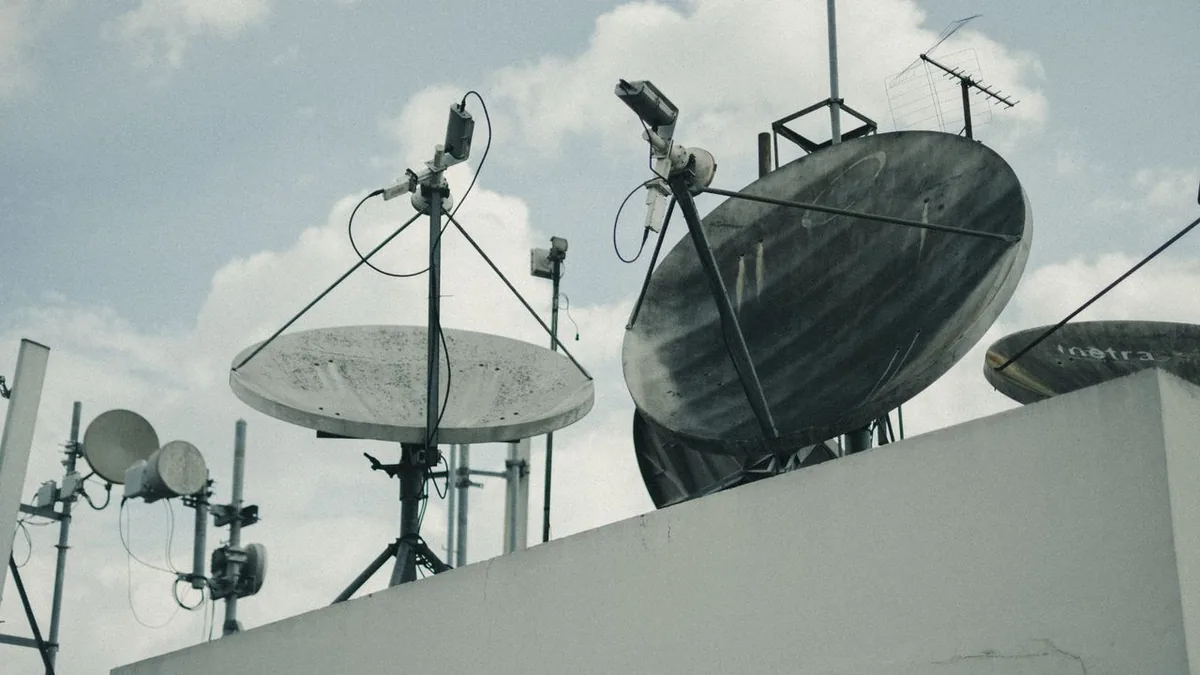 Illustrative image
| Feature | IPTV | Satellite (DVB-S2) |
|---|---|---|
| Delivery | internet | Astra 19.2° East |
| Hardware | streaming device | dish + LNB + receiver |
| Private channels in HD | included in plan | usually via HD+ (annual fee) |
| Flexibility | location-free | tied to the dish |
| Setup | app in minutes | mounting + alignment |
| Quality depends on | internet connection | weather, alignment |
When is each worth it?
The real question is your living situation. In a rental with no mounting option, or with a dish ban in the lease, IPTV is often the practical choice. If you own a home with a clear southern view and weak internet, satellite stays attractive because public channels arrive in HD with no running cost.
Pros and cons versus satellite
- Pro: no dish, no mounting, device-independent, catch-up built in.
- Pro: private channels in HD without a separate HD+.
- Con: without a stable line the stream stutters; satellite is weather-dependent but internet-independent.
For the full picture, see IPTV vs cable, satellite & DVB-T2. An IPTV subscription at IPTVBase starts at €45 for six months.
How to switch from satellite to IPTV
- Check your internet speed: roughly 16 Mbit/s covers Full HD, around 25 Mbit/s suits 4K.
- Test IPTV in parallel on a streaming device while the dish is still up.
- Ensure a stable connection: 5GHz Wi-Fi or Ethernet, DNS at 8.8.8.8.
- Confirm your favourite channels run stably before cancelling HD+ or the receiver.
What does satellite reception really cost?
At first glance satellite looks cheap because public channels arrive free. Add up the dish, mounting, receiver and HD+ for the private channels, though, and a running cost appears. IPTV bundles channels and catch-up in one subscription that works location-free on several devices. For the full cost comparison of all methods, see IPTV vs cable, satellite & DVB-T2.
Frequently asked questions
Do I need a satellite dish for IPTV?
No. IPTV runs over the internet, with no dish, LNB or receiver. You only need a stable line and a streaming device such as a Fire TV Stick, Smart TV or Apple TV.
Are private channels free in HD on satellite?
Public channels are free in HD via satellite. Private channels in HD usually run through HD+, which carries an annual fee. With IPTV the channels are bundled in the plan.
Is IPTV or satellite more flexible?
IPTV is far more flexible: device-independent, location-flexible and set up in minutes. Satellite is tied to the fixed dish and a clear view south.
What disrupts each one?
For IPTV it’s the internet connection; for satellite it’s weather and dish alignment. In around 80% of IPTV buffering cases the cause is the home network, not the service.
Conclusion
IPTV vs satellite is a question of home and internet. With no mounting option and a stable line, IPTV wins; with a clear southern view and weak internet, satellite stays strong.
See what IPTVBase costs on the IPTV pricing page.
Sources
– IPTVBase, internal service data sheet (channels, HD, devices), as of 2026-06-13.
– Verivox, IPTV: television over the internet connection, retrieved 2026-06-13, https://www.verivox.de/internet/themen/iptv/
Tags: IPTV vs satellite, DVB-S2, satellite dish, HD+, Astra, internet TV